
Vecs (Vector Wizard)
The Vector Wizard is found inside Auggie CAM control software, also know as Vector Wizard that we call it our fun yet controlled play space to deal with active vectors. To activate, open Auggie and click the “CONS” button. It is our workspace to build, design and simulate workflows of various nature. It offers most of the usual tools found in CAD drawing programs, but with a twist.
Vectors you make or load become concurrent to the laws of physics in movement and principle, as part of our kinetic engine in Auggie. Remember that “Ticker” module, improves this application twofold, however the original remains n Auggie. Not only is it fun to use, but combining it with Gearotic CAD, Vexx and Auggie, offers an inspiring way to make your design virtually real. You’ll find that this is yet another one of those Gearotic CAD/Auggie first of its kind, and if you couple that with the Harris Vines in Vexx, or Flourish found in Auggie Vector Processor, you have tools unknown to other CAD software programs out there. These tools actually let you grow vines into a control conformed space. We suggest you review our videos to explain it more, however we challenge you to give it a try and see for yourself.
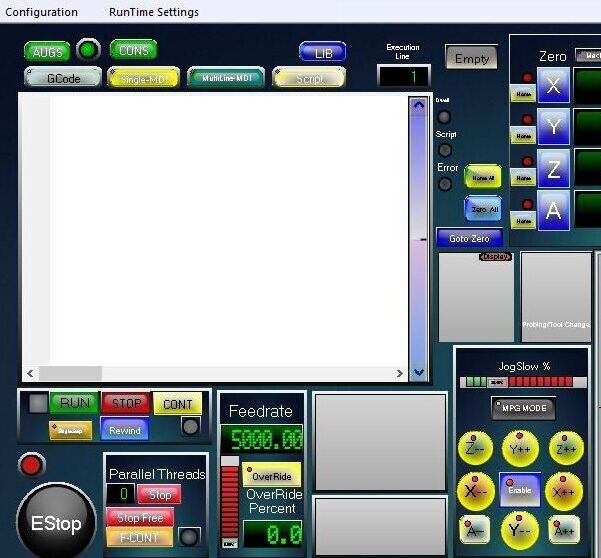
Auggie CAM is the host of Vecs
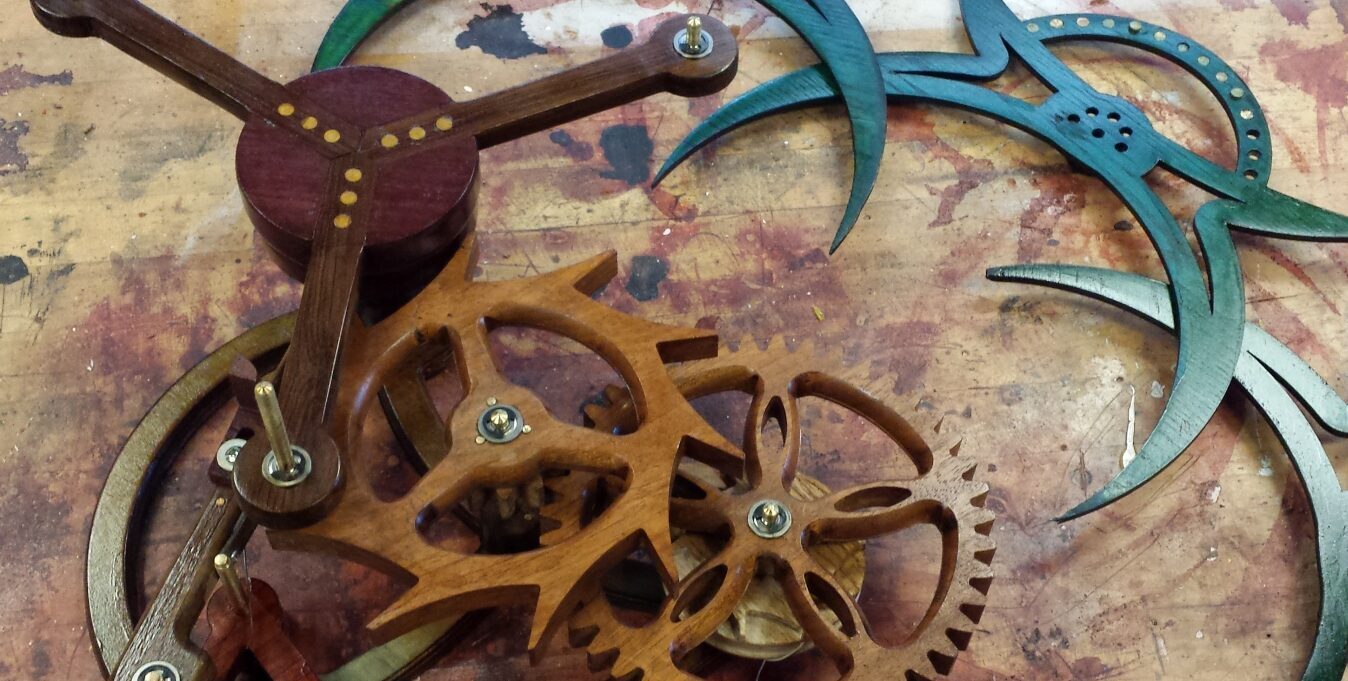
Scimitir
Vector Wizard
To start the Vector Wizard, open up Auggie(CAM Control Software), inside select the “CONS” button to open up the Vector Wizard (Vecs)
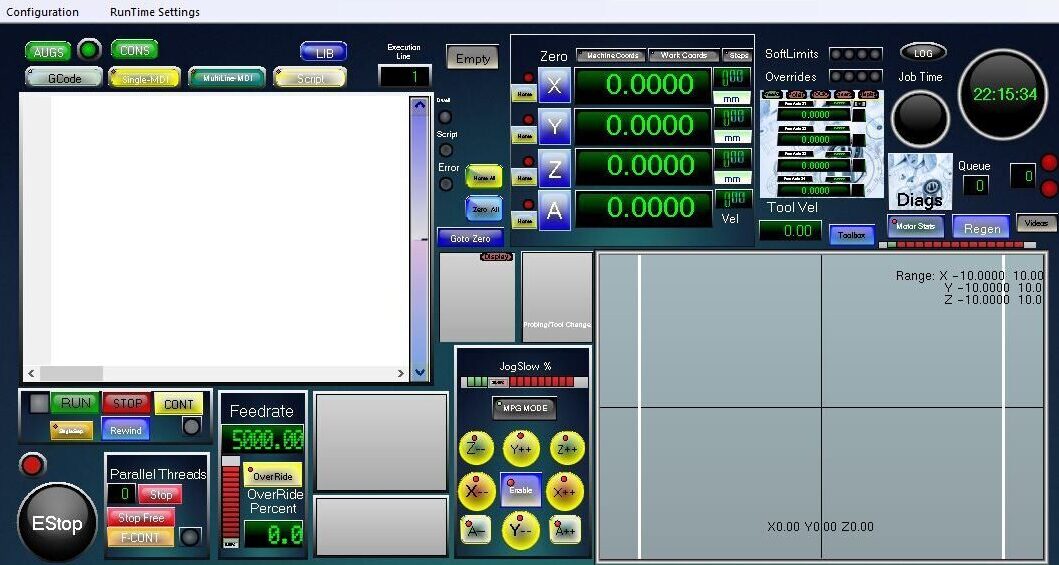
Auggie Control Screen
Vector Processor Platform
Auggie’s Vector Processor (Vecs) is not only a vector drawing processor, but also a kinetic engine that deals with the physics of vectors while in motion. You’ll find global properties to each vector you design or draw, is configurable to your specifications. It lets you release and view a simulated real life effect while in action mode for many applications. From applying gravity to locking central pivots, all of this becomes possible with Auggie Vector Processor. You can now add things such as motors, clutches, 4 bar linkages, magnets, springs, gates and so much more to any mechanism and watch it go. How cool is that? For those interested in gear mechanism, you can now simulate your mechanical creation and deal with errors prior to building it. The physic interactive method allows users to interact with forces, friction, and mechanical motion in general. This way of working with vectors is not only fun to play with but extremely addictive too.
We found similar tools to be absent in other CAD programs, so this is our attempt at something different and cool. It may not be able to predict the future, but if you are building a Ted Crawford rolling ball sculpture or a mechanical device of some kind, I suspect this processor could be useful to you in some way.
Flourish
Design and build your own 4 bar linkage mechanism inside of Vecs.
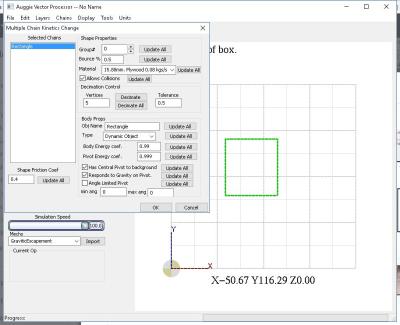
Profile identification
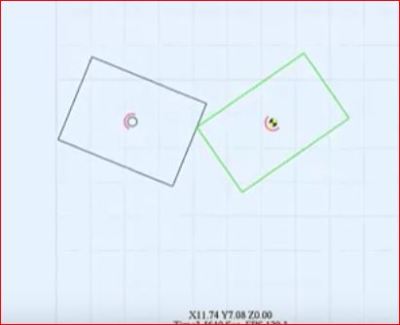
4 bar linkage step 1
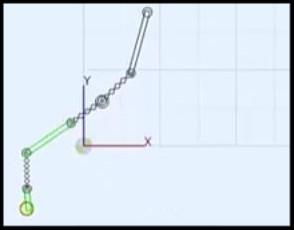
4 bar linkage step 2
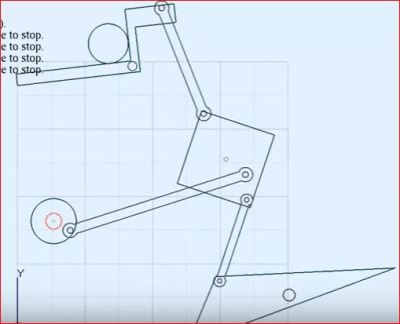
4 bar linkage mechanism
Flourish
Here’s Flousish in action. Idea was to add logo inside a square, and grow a flourish around it.
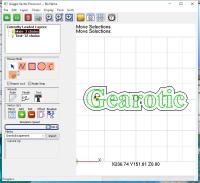
Logo generated in Flourish mode
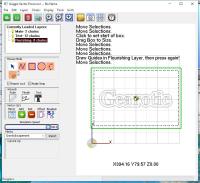
Create box around logo in Flourish mode
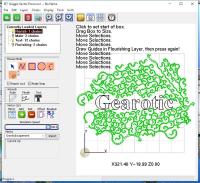
Depending on settings, let Flourish grow
Vanes
Here’s vanes being designed and simulated in Vecs

Vanes drawn to independently rotate
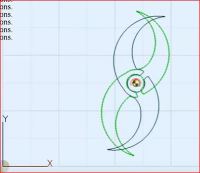
Vanes drawn to activate trigger
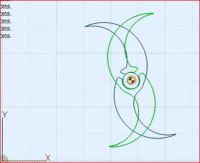
Vanes drawn to release trigger
And much more..